import numpy as np


def fahrenheit_to_celsius(temp_fahrenheit):
    temp_celsius = (temp_fahrenheit - 32) * (5/9)
return temp_celsius9 Functions and Documentation
9.1 Functions
So far, we have worked with Python scripts: sequences of code that are executed from top to bottom. The functions used in these scripts were either built-in into Python, or provided by packages.
For simple research or automation tasks, a single script is often perfectly adequate. As a script becomes more complex, however, it is useful to break it down into smaller, well-defined functional units. This has several advantages over a single lengthy script:
- It makes programs easier to understand, especially if meaningful function names are used.
- It makes it easier to test and fix errors, because functions can be tested one at a time.
- It avoids repetition and duplicate code, because a function just has to be written once.
- It makes it easier to make modifications to your code, because you only have to make the modification in one place.
Python provides for this by letting us define functions using the keyword def. Consider the following function, named fahr_to_celsius, that converts temperatures from Fahrenheit to Celsius:
The function definition starts with the keyword def followed by function name (fahrenheit_to_celsius), and a parenthesized list of arguments (in this case only one; temp_fahrenheit). The lines below it contain the function body, which is indented by four spaces.
The body optionally concludes with an return keyword and the return value(s). Multiple return values are comma-separated.
print(f'freezing point of water: {fahrenheit_to_celsius(32)} °C')
print(f'boiling point of water: {fahrenheit_to_celsius(212)} °C')
freezing point of water: 0.0 °C
boiling point of water: 100.0 °CIf return is omitted, or return is used without specifying a value, the None is returned: This keyword is used to define a null value, or no value at all. All code that follows after a return is not executed:
def print_something():
    print("something")
    return  # Returns None

    print("nothing")  # This line will not be executed!

return_value = print_something()
print(return_value)
something
NoneExternal course material
Review this page about functions and do the exercises:
9.2 Keyword Arguments and Default Values
A function can have zero, one, or multiple arguments. It might be obvious that the order of the arguments matter:
def rescale_stored_value(value, slope, intercept):
    return value * slope + intercept

rescale_slope = 1
rescale_intercept = -1024

ct_value = rescale_stored_value(1124, rescale_slope, rescale_intercept)
print(f'CT value: {ct_value} HU')

ct_value = rescale_stored_value(1124, rescale_intercept, rescale_slope)  # Oops, different order!
print(f'CT value: {ct_value} HU')
CT value: 100 HU
CT value: -1150975 HUTo prevent mistakes, but also because it allows for specifying default values for optional arguments, keyword arguments can be used to explicitly name the arguments:
ct_value = rescale_stored_value(1124, intercept=rescale_intercept, slope=rescale_slope)  # Different order, but with specified keywords:
print(f'CT value: {ct_value} HU')
CT value: 100 HUdef rescale_stored_value(value, slope=1, intercept=0): # Specify default arguments.
return value * slope + intercept
ct_value = rescale_stored_value(1124, intercept=-1024) # Only provide the intercept, use the default value for the slope.
print(f'CT value: {ct_value} HU')CT value: 100 HU9.3 Docstrings
It is good practice to document each function with a few concise lines of documentation. Clear documentation allows users, whether a colleague, someone unknown, or, perhaps most importantly, yourself after some time, to use a function without having to read and understand its implementation.
The documentation should at least explain:
- what the function is designed to do;
- which input arguments it expects;
- what the function returns;
- any relevant limitations, assumptions, etc.
For more complex functions, it can also be useful to include an example or a reference to a scientific publication.
This information should be provided in a docstring. This is a multiline string placed at the very beginning of the function body, and begins and ends with three quotes (""", see example below). A commonly accepted syntax for documenting function arguments and return values is :param <argument name>: <comment> and :returns: <comment>. This format can be used by development tools to provide useful documentation and tooltips.
def rescale_stored_value(value, slope=1, intercept=0):
    """
    Convert stored pixel values to meaningful modality-specific physical values using:
        y = m * sv + b

    :param value: Stored pixel value, sv.
    :param slope: Rescale slope, m. (0028,1053). Default is 1.
    :param intercept: Rescale intercept, b. (0028,1052). Default is 0.
    :returns: The value after conversion, y.

    For more information, see: https://dicom.innolitics.com/ciods/digital-x-ray-image/dx-image/00281052
    """
    return value * slope + intercept
Let’s try to apply the function to an image:
import matplotlib.pyplot as plt
from pydicom import dcmread
from pydicom.data import get_testdata_file

# Read a test image.
file_path = get_testdata_file("CT_small.dcm")  # Obtain the path to the test image.
dicom_image = dcmread(file_path)
image = dicom_image.pixel_array

# Apply the 'rescale_stored_value' that we implemented in the cell above.
print(f"Min. and max. pixel value before rescaling: [{image.min()}, {image.max()}]")
image = rescale_stored_value(image, intercept=-1024)
print(f"Min. and max. pixel value after rescaling: [{image.min()}, {image.max()}]")

# Show the image with a display range of -300 to 300. -300 is black, 300 is white:
plt.imshow(image, cmap="gray", vmin=-300, vmax=300)
plt.show()
Min. and max. pixel value before rescaling: [128, 2191]
Min. and max. pixel value after rescaling: [-896, 1167]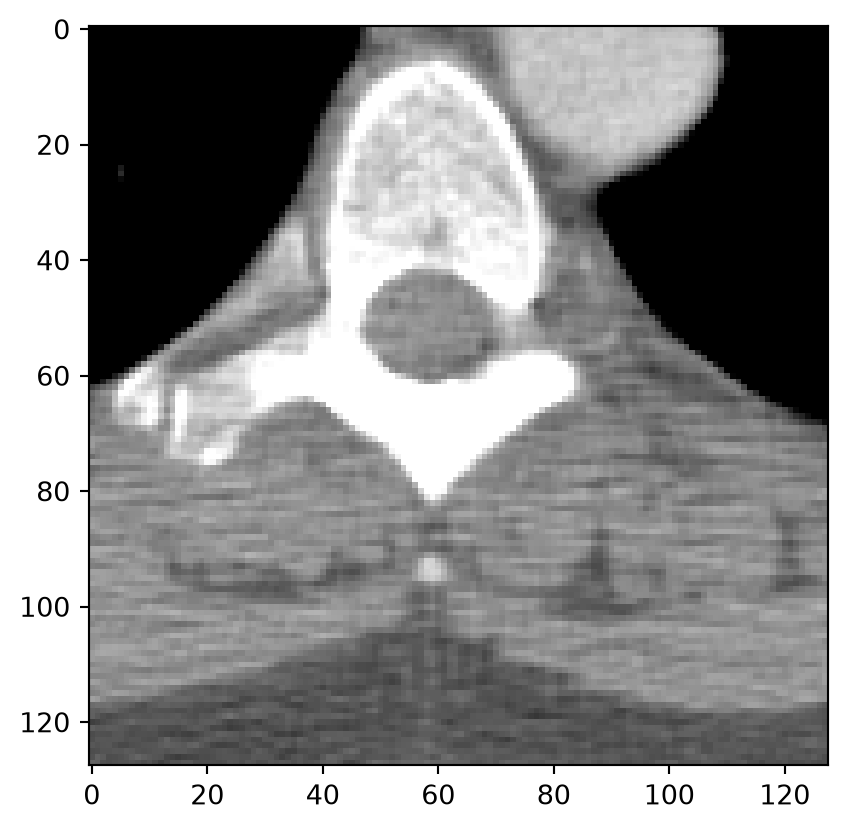
9.4 Inline Comments, and Function and Variable Names
You’ve already seen a lot of inline comments in this course book. Inline comments start with a hash-symbol (#) and provide structure, background information, and hints for the developer (yourself or a colleague). When you’re writing code it is good practice to start writing a rough outline in words first: “First do this. Then do that. Finally do this.” Then implement “do this”, “do that” and “finally do this,” and keep the comments. In that way you’ll end up with a few blocks of code and useful comments that describe the intention of each block of code.
It may seem obvious, but meaningful function and variable names are just as important as writing good comments. Short variable names can be perfectly appropriate in certain contexts, such as x, y, z for coordinates, i, j, k for indices and n for a size or count. In most other cases, however, readability should take priority over brevity. Names such as slope and intercept are easier to understand than slp and incpt, and less ambiguous and error-prone than a and b.
To improve the readability of code and make it consistent, Python has a detailed style guide. This is a rather lengthy document, but a few important rules are:
- Use four spaces for indentation. Never use tabs.
- Use lowercase character and underscores for variable and function names (e.g.
calculate_mean) - Separate functions by two blank lines.
- Separate inline comments at the end of a line of code with at least two spaces.
- Use spaces around operators and after commas, e.g.
x = a + bandvalues = [1, 2, 3], except for specifying default values for optional function arguments. - Put imports at the top of the file.
- Prefer readability and consistency over clever or overly compact code. When working on someone else’s code, follow the existing style and conventions rather than imposing your own.